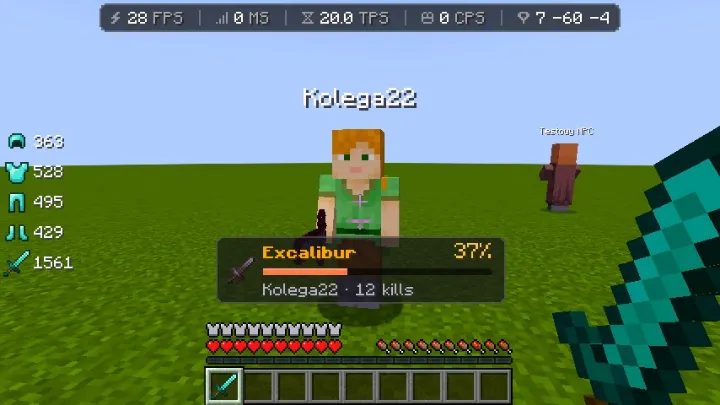
Sword percent
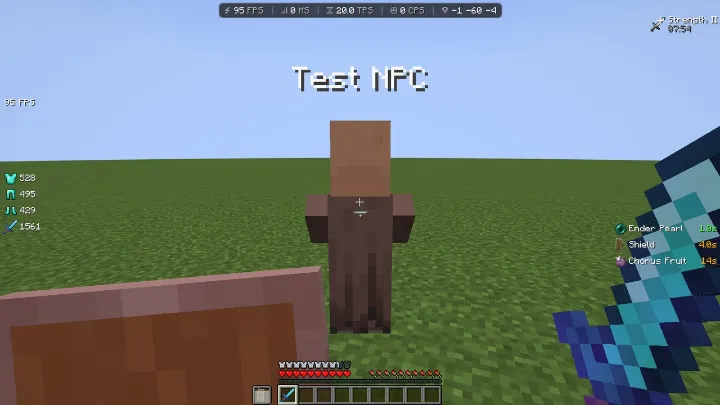
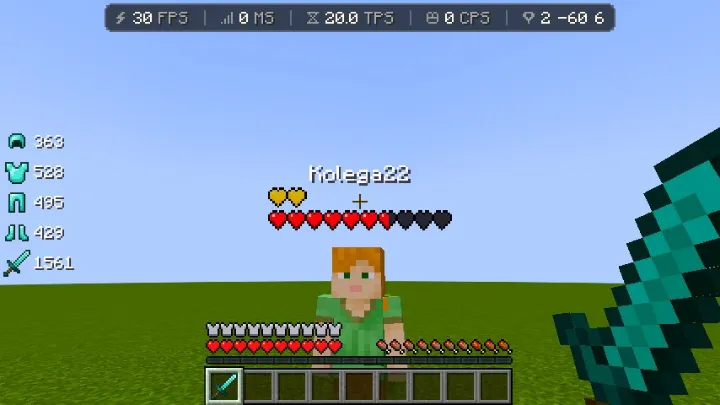
Aim at a player holding a sword and see the percent from its description, a bar and kills under your crosshair.
Percent from loreUnder crosshairKillsHUD editor
A Minecraft mod with visual options.
Color boost, free capes, realistic clouds, a HUD with an editor, combat effects and more FPS. The mod source is public, so you can add your own modules.
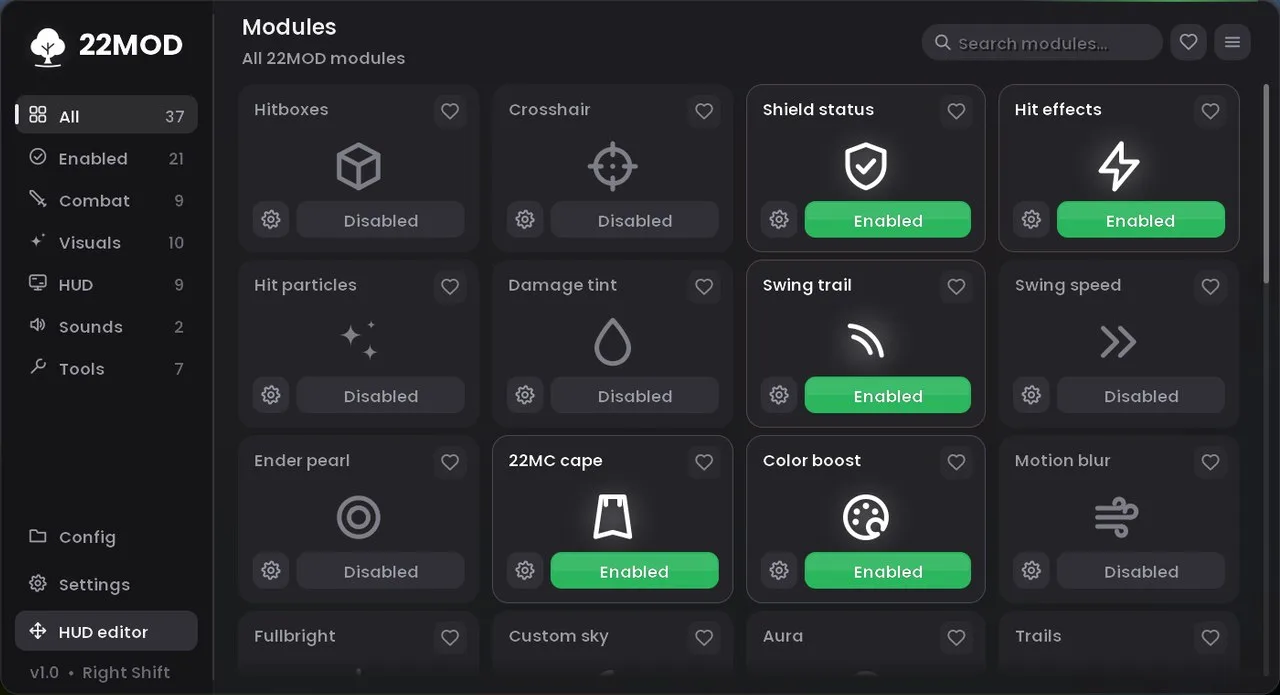
Six 22MOD options in action. All screenshots come straight from the game.
Aim at a player holding a sword and see the percent from its description, a bar and kills under your crosshair.
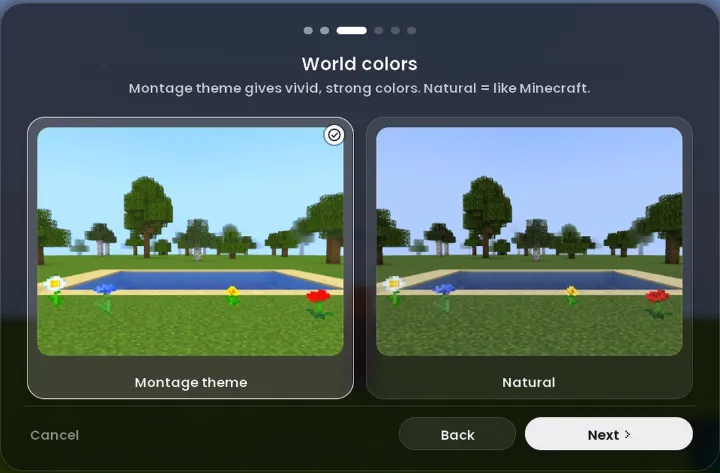
Vivid world colors like in montages. Set saturation, brightness, contrast and hue with sliders.
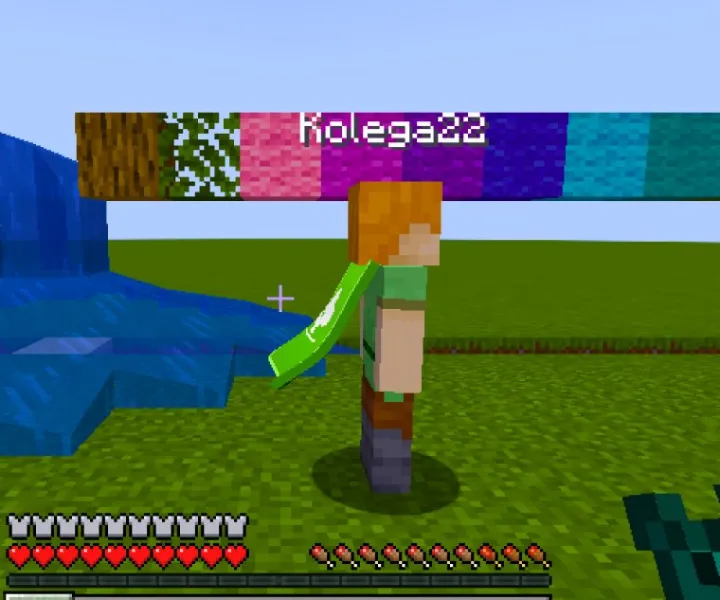
Soft fabric instead of a stiff plate. 4 ready designs and 3 custom ones from the creator, ready to share to Community.
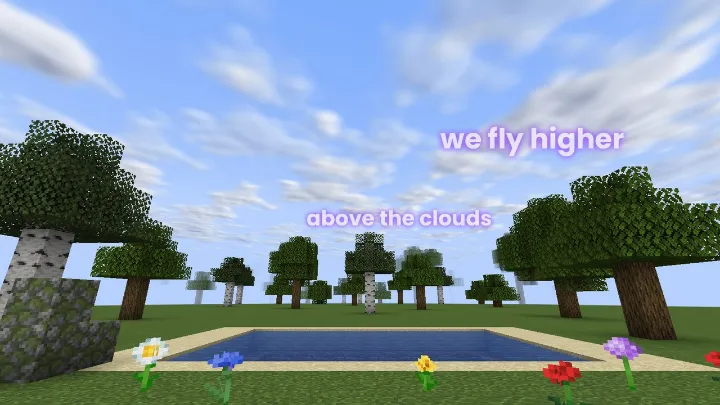
Lyrics of the playing song float in the sky and change smoothly. Set the color, glow and size yourself.
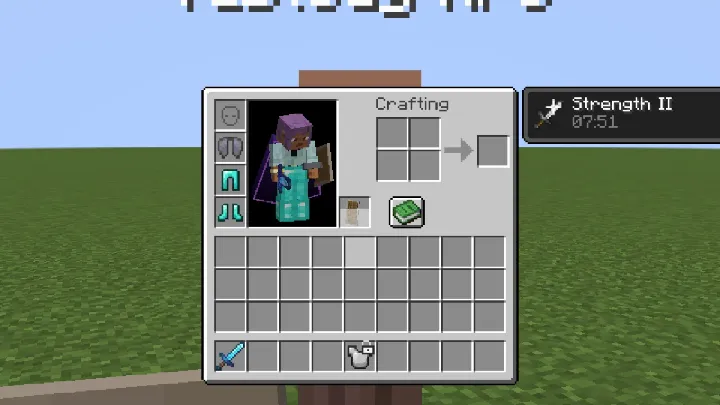
A locked slot can not be dropped or moved. Put on an elytra or armor from it with a right click.
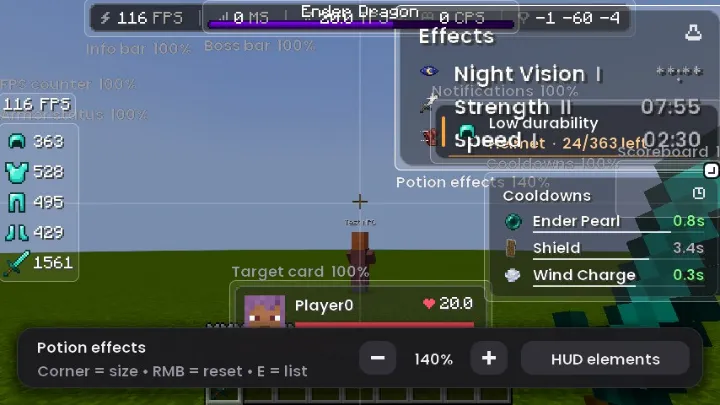
Move and resize every HUD element, including scoreboard and boss bar. Right click resets it.
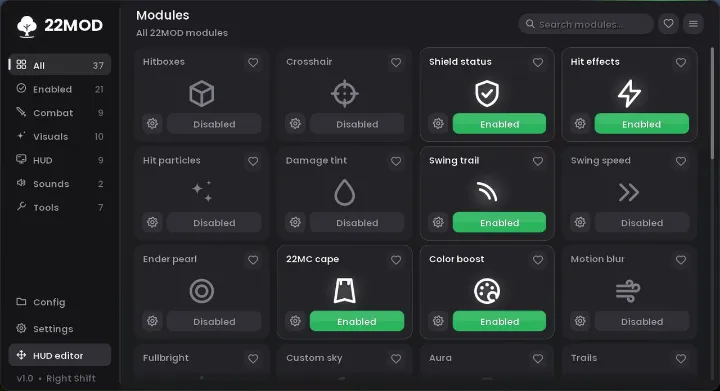
Turn each one on with one click in the menu (right Shift) and tune it your way.
Vivid world colors like in montages.
Ready designs and a simple creator: a plain white cape, color in one click, move the image with the mouse. Preview on a 3D character. Free.
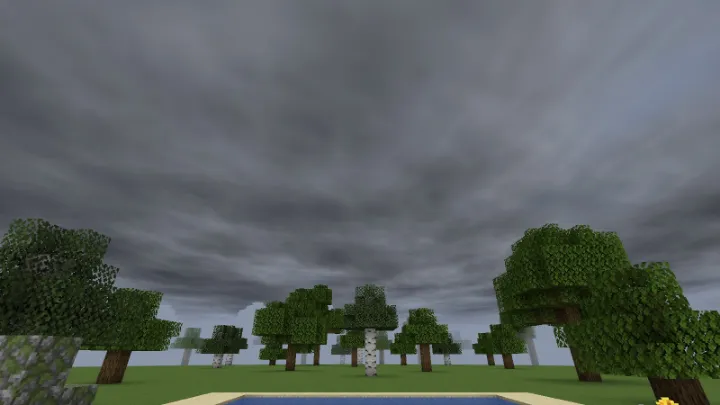
Stormy sky, drifting clouds or your own image.
See further, also in the Nether and the End.
See far under water and inside lava.
Hearts, a number or a health bar under the name.
No crumbs when mining. Cleaner and more FPS.
Smooth camera motion blur.
See everything at night and in caves.
A magic circle under your feet, ice shards, rings, crystals, stars or a rainbow.
Clouds, hearts or leaves behind you.
Size and position of the item in your hand.
Clear name background and your own name in F5.
A liquid glass card or an island at the top of the screen that highlights the sung word. Lyrics can also float in the sky, as lines or single words.
Low fire, no vignette and no camera shake.
Player boxes that change color in hit range.
Your own crosshair, drawn pixel by pixel.
The shield color tells you if it blocks.
Spirits, a wave and lightning on hit.
Colored sparks on every hit.
Your own hit flash color.
A trail behind your weapon when you swing.
Faster or slower hand animation.
Bigger pearl with your own look and trail.
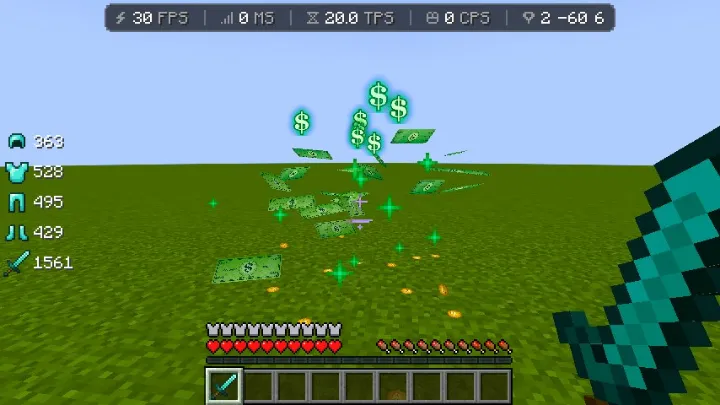
Dollars, a shark from the sky, lightning and more.
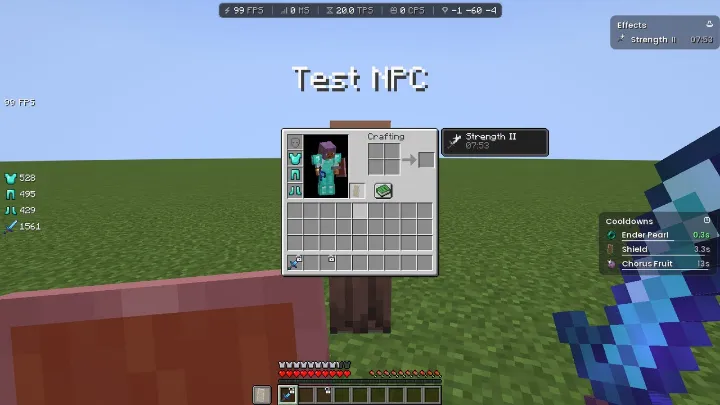
Sword percent of the player you aim at.
Your own hit sound from an .ogg or .wav file.
Small pops, a totem counter (yours, enemies' and in your inventory), your own totem image and sound.
Move elements, the corner resizes, the gear opens settings, the minus turns it off.
One switch turns every HUD and the hotbar into glass, in the color you pick.
FPS, ping, server, clock and coordinates. Classic or liquid glass style.
Frames per second, colored by the value.
W A S D, space and mouse with CPS. Pressing a key releases pixel bubbles like underwater.
Your mouse movement as a ring with a trail in a frame.
X, Y, Z, direction with degrees and biome, in your colors.
Left and right clicks per second.
Armor and weapon durability in percent.
Health of the player you hit.
Level and time left of your effects.
Time left for pearl, shield and more.
Transparent, without red numbers.
A warning when your armor is about to break.
Your inventory always on screen.
Golden drumsticks show saturation.
Right Shift: settings, cosmetics and quick text, with HUD elements you can move behind it.
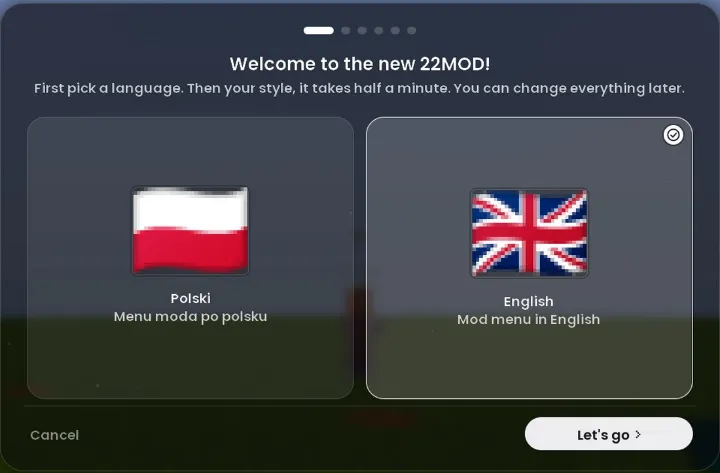
English or Polish, change it any time.
Settings profiles, copy and paste in one click.
More FPS and a low end PC mode.
Your own map points on the K key, with a beam, sparks and glow.
A locked slot never drops or moves.
Status with the 22MOD logo and server, no IP addresses.
Text or a command on one key.
A tree next to names of players with the mod.
Flags, search and easy dragging.
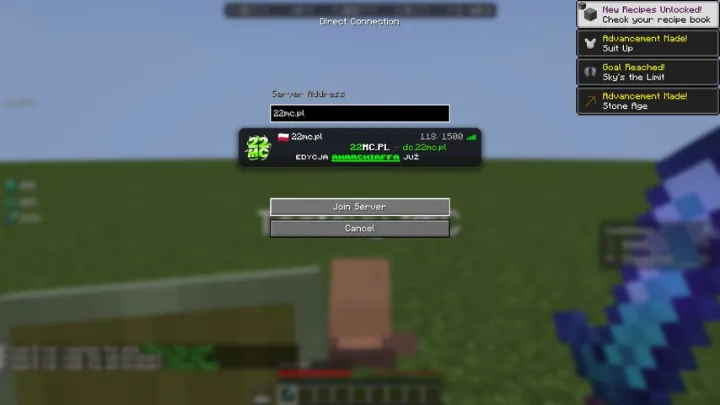
Server preview as soon as you type the address.
Drag packs anywhere on the list, categories, search, favorites and colors under packs.
Shift shows what is inside a shulker, with your own picture as the background.
Look around while your player keeps going straight.
Repeated messages become one with a [5] counter.
Copy, open or delete a screenshot right from chat.
New version in one click, checked by signature.
Every module has its own settings. Try some of them here, just like in game.
Click Copy, then in game open the menu (right Shift), go to Configuration and click Paste settings. All your other settings stay as they are.
Spin a player with a waving cape or see how Spotify song lyrics look in the sky.
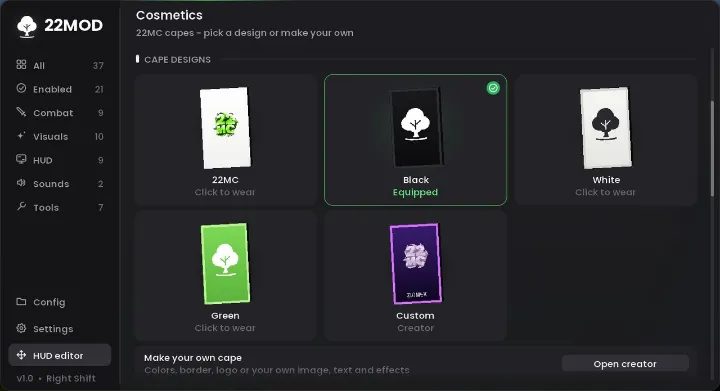
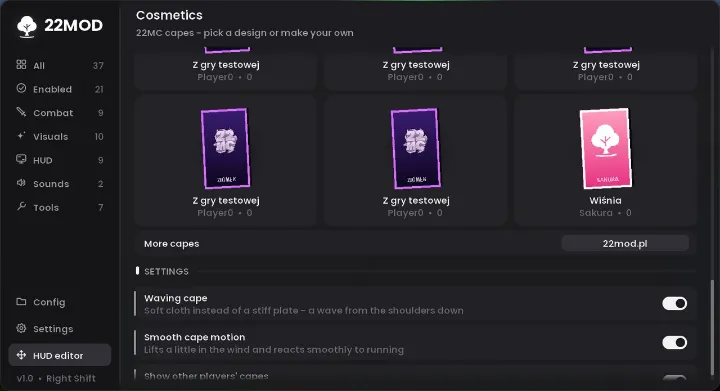
You get 3 custom capes in the mod. Share any of them to Community with a short description, right from the game. Wear any Community cape for free, with one click.
Community is still empty. Share the first cape from the game.
Open the 22MOD menu with right Shift.
Go to Cosmetics and scroll to Player capes.
Click a cape. Every 22MOD player can see it.
22MOD was made so everyone can change it their way. Write your own module yourself or with help from AI and play on your version.
The PolyForm Noncommercial 1.0.0 license is what counts. License · MODULY.md guide
22MOD never sends your Minecraft password or account token to our website.
Only you can change your cape. We check it through official Mojang servers, like a premium server does.
Even a modified version of the mod can not change someone else's cape or anything on 22mod.pl. Every change goes through account verification.
All the mod code is in the Code tab. Anyone can check what it does.
Download 22MOD only from 22mod.pl. You can compare the SHA-256 checksum in the Download section.
Never share your config/22mod/config.json or launcher logs. Do not install builds whose code you can not see.
Chat with 22MOD players, report a bug or suggest a new option. You hear about new versions there first.
Yes. It is a visual only mod, servers do not need to install anything.
No. All capes, including the ones from Community, are free. You get 3 custom capes in the mod and can share each one with a description.
Every 22MOD player, on every server.
Yes. Low end PC mode turns heavy effects off and sets light graphics.
Not to play. Premium is only needed to save and share a cape.
Yes. Get the code, add modules (with AI too) and play. You can give it to others for free, under a different name.
No. The license only allows noncommercial use: no selling, no ads and no paid access.
Yes. On first start you pick English or Polish. You can change it in Settings, under Language.
Yes. The mod only shows a new version when its info is signed with the author's key, which is not stored on the website server. When you click Download, the file comes only from 22mod.pl and is checked against the SHA-256 from that signed info before install, so a swapped file never gets in.
If you want everything in one place, 22MOD combines color boost, capes, a HUD editor, hitboxes, a custom crosshair, kill effects, freelook, a health indicator and FPS optimization. It is one free Fabric mod instead of a dozen separate ones.
No. It is a regular Fabric mod for the normal launcher, but it has many similar PvP and visual options in one menu (right Shift).
Yes. All in-game options work and non-premium players are counted in the stats too. Only sharing capes in Community under your name needs a Mojang account, so nobody can impersonate another player.
Download only from 22mod.pl and compare the SHA-256 checksum under the download button.
Pick your Minecraft version
You can see it in the bottom left corner of the Minecraft main menu.
What changed in each 22MOD version.